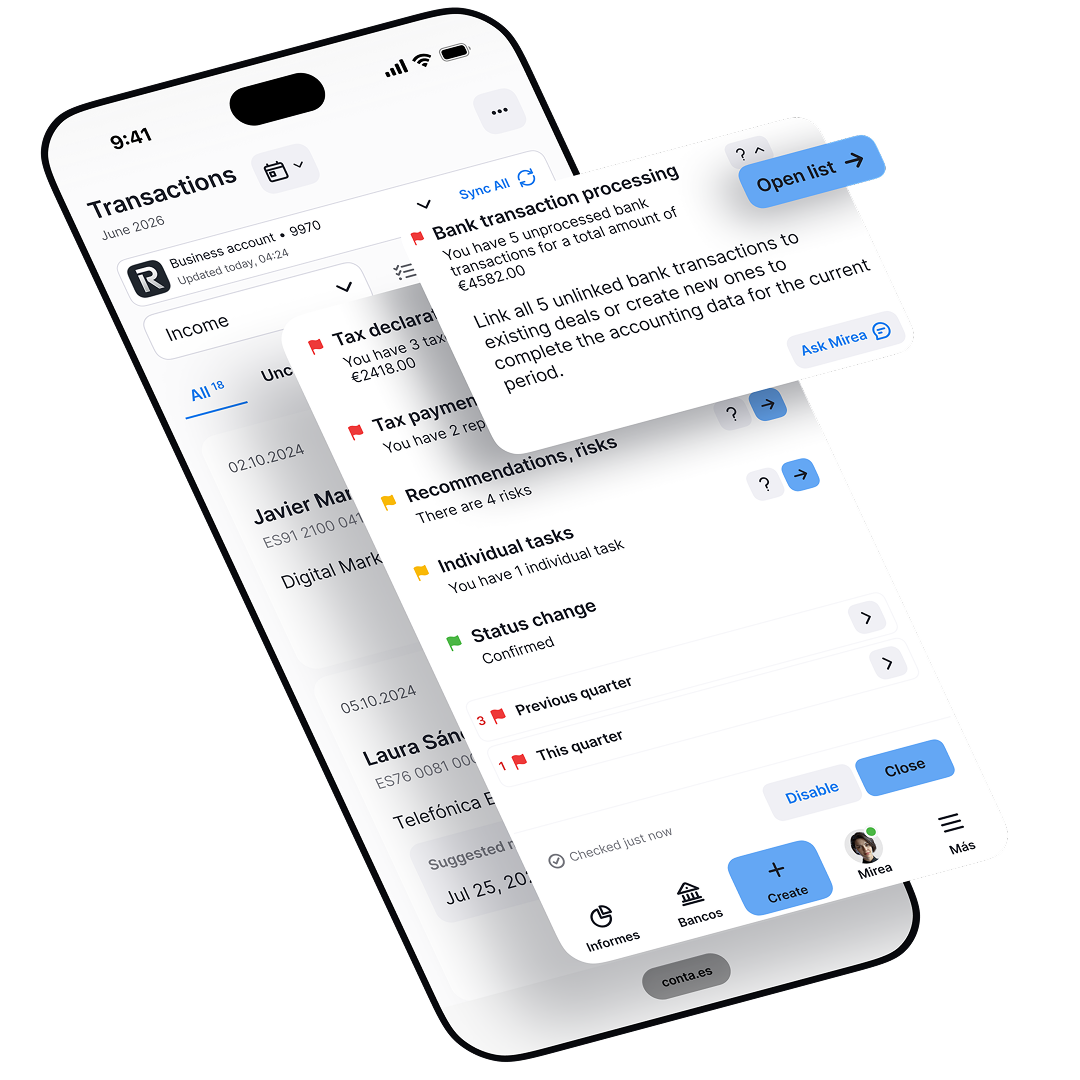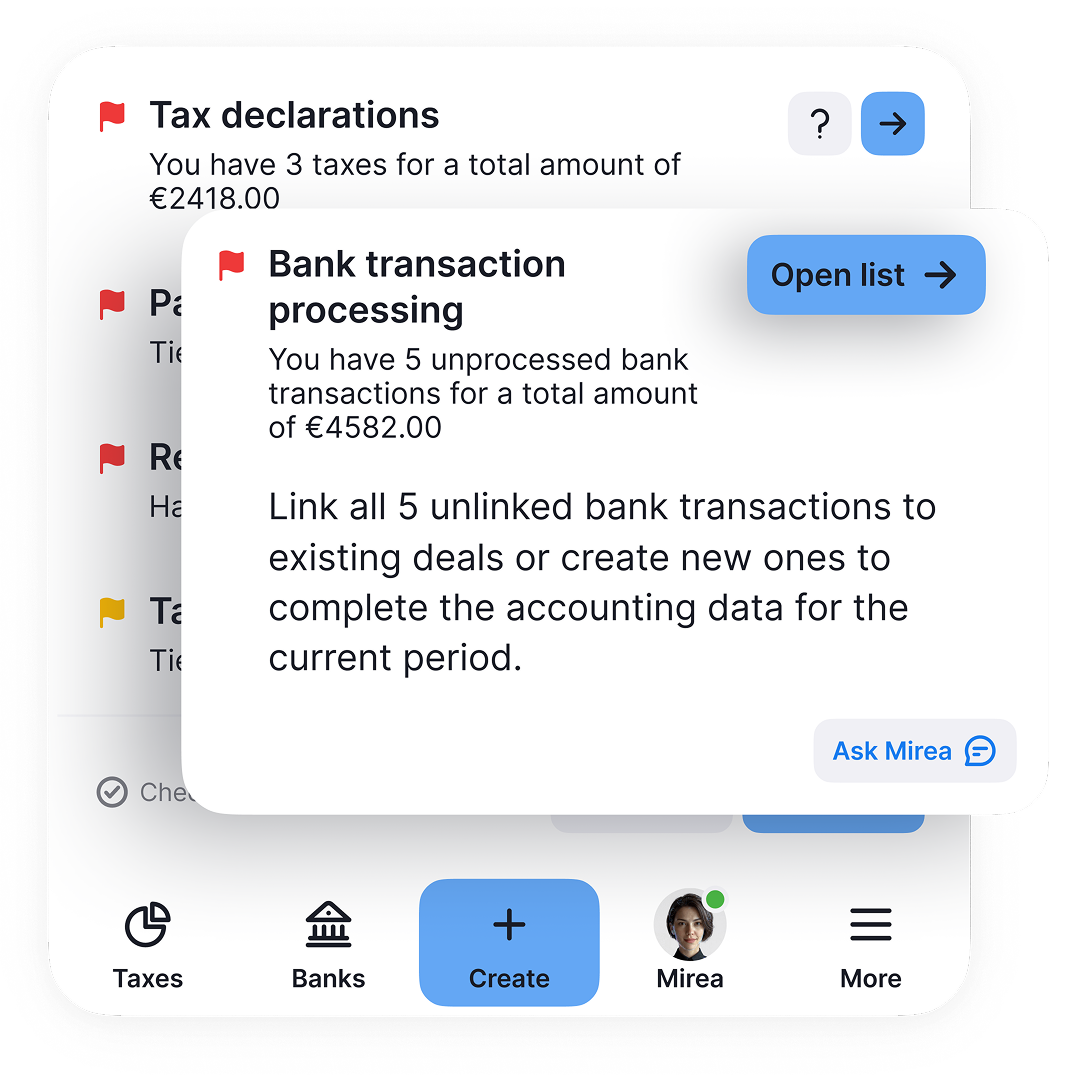

Do the transaction details match the receipt or invoice?

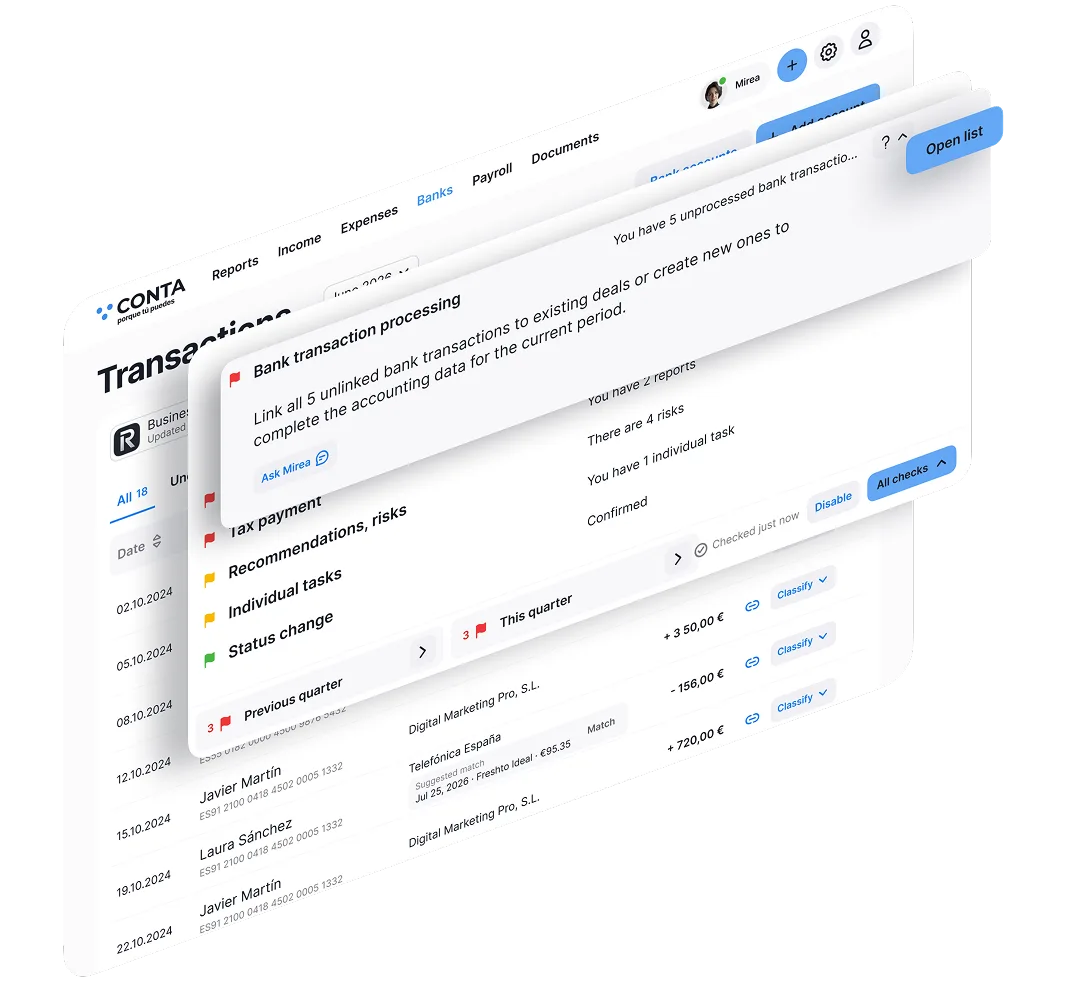
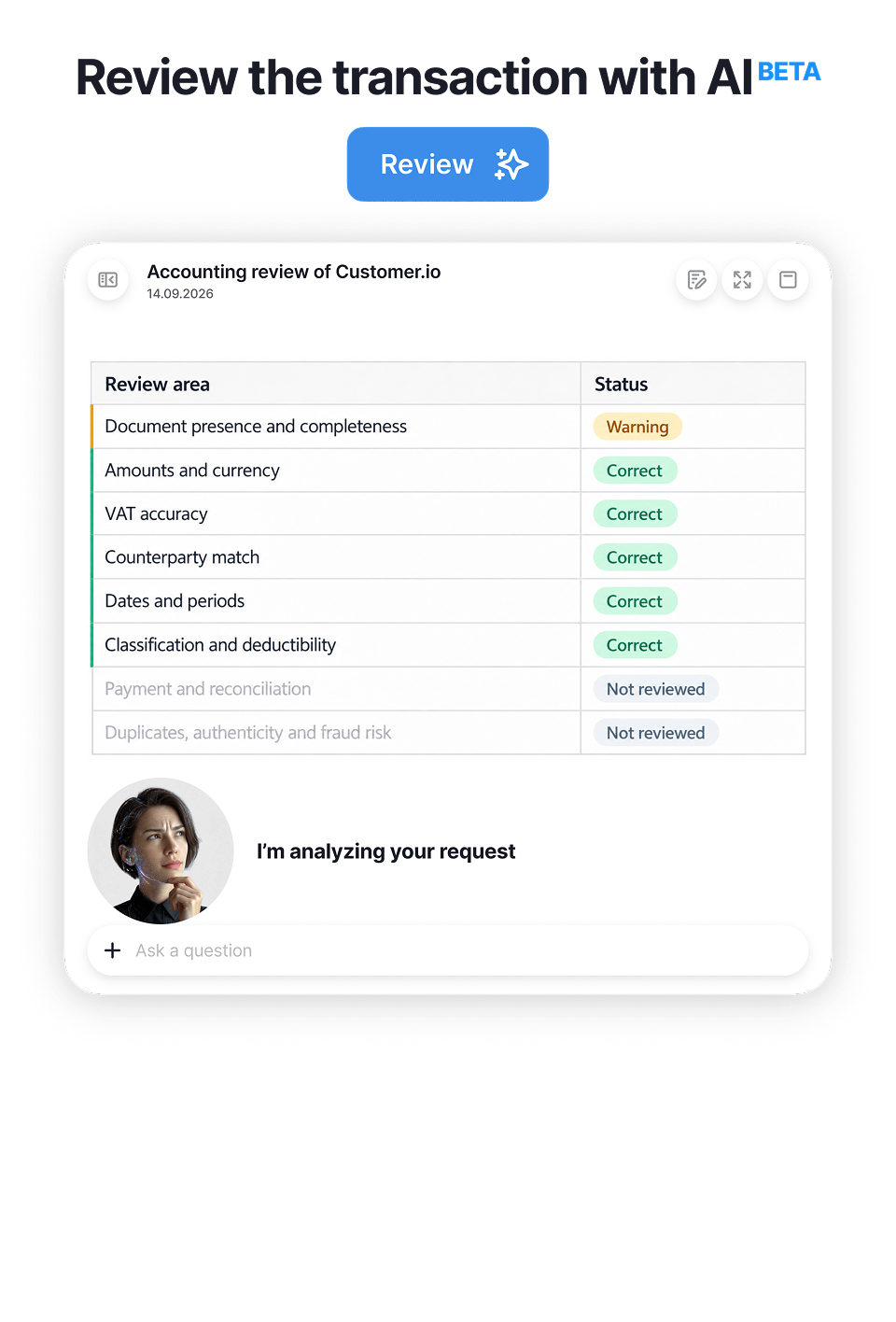
Mirea compares the information in the document with the details recorded in Conta.es and shows you what needs reviewing, making it easier to manage your accounts as an autónomo.

+20KWhy check a transaction?Over 20,000 users across Europe help us understand where questions, missing details and errors commonly arise when recording transactions

A second pair of eyes on your income and expenses

Even when you record your transactions carefully, it is easy to overlook a detail. Mirea compares the available transaction details with the receipt, invoice or other attached document and highlights anything that deserves another look.

This does not necessarily mean there is a tax error. Often, it is simply a missing detail or a small discrepancy that is much easier to correct now than when it is time to prepare your tax returns.

1What can it help you spot?

Differences between the available details in the document and those recorded in Conta.es: the amount, date, currency, supplier, VAT (IVA) or other transaction information. If there is not enough information, some items cannot be checked.
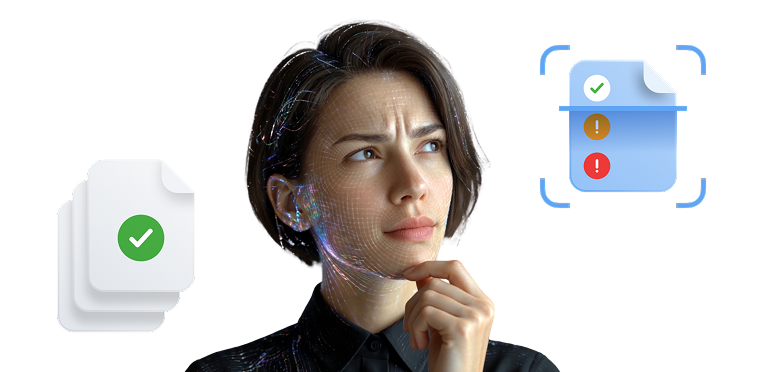
2Why does your profile matter?

Your tax situation, VAT settings and other details about your business determine how a transaction should be interpreted. Mirea uses the context available in your Conta.es profile to make the check more relevant to your situation as an autónomo. Keep your profile details up to date.

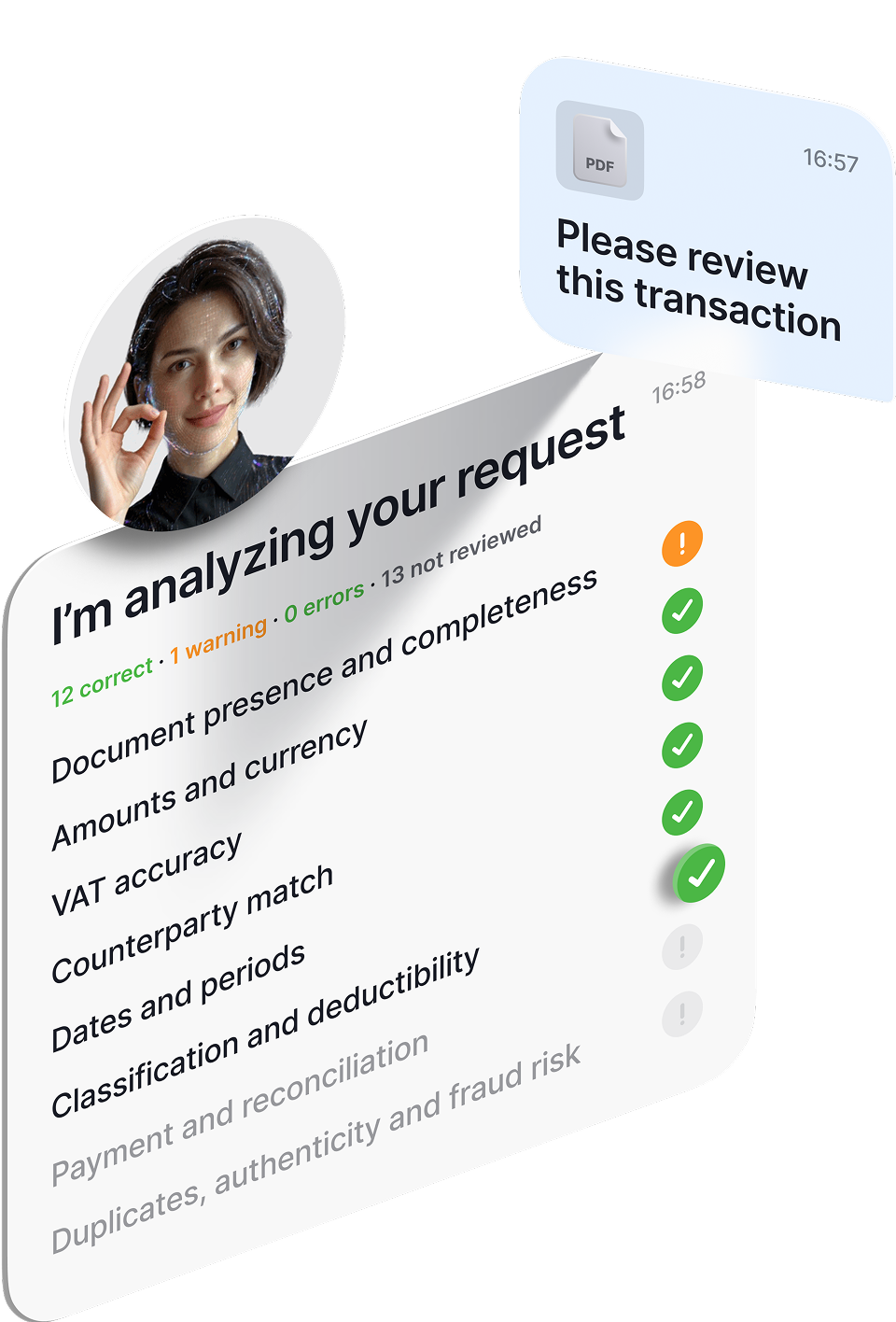
A possible result after reviewing the transaction

The supplier details now match. The previous warning no longer appears.

15 Correct0 Needs review0 Errors11 Not checked

This example shows how the process works. The actual result depends on the transaction, the document and the available details. Items that could not be checked need to be reviewed separately.

If a warning keeps appearing, check that your changes have been saved and that the document is legible. If you need help, ask Mirea or email [email protected].

Mirea helps check the details of an accounting transaction

Check summary · example

Check your transactions before a small discrepancy affects your tax returns

What will you see after the check?

Results are grouped by status so you can quickly see what is correct and what still needs attention.

14✓ Correct
1! Needs review
0× Errors
11- Not checked

The number of items in each status is illustrative and does not represent a guaranteed number of checks. Items that have not been checked need to be reviewed separately.

The supplier name does not match

The transaction shows one name, but the invoice or receipt identifies a different supplier.

  1. 1

    What to check: find out who the actual supplier is in the document and compare their details with those recorded in Conta.es.

  2. 2

    What to do: if the recorded details are incorrect, update the supplier information and save your changes.

  3. 3

    If you are unsure: ask Mirea what information you should look for in the document. Open Mirea

Correct it while it is still easy

The invoice or receipt is still at hand, and you remember what you bought, who from and why. If Mirea spots a discrepancy, you can review it now instead of coming back to it weeks or months later when preparing your tax returns.

Less time revisiting old transactions. More peace of mind at the end of the quarter.

Reach the end of the quarter with fewer outstanding issues

Do not wait until you are preparing your VAT (IVA) or income tax (IRPF) returns to discover that an invoice is missing, an amount does not match or a transaction was recorded with incomplete details. The check helps you resolve these small issues throughout the reporting period.

Less searching at the last minute. More control over what you have already recorded.

Transaction checklist

See which transaction, document and payment details Conta.es can check. Checks apply according to the transaction type, your profile information and the data available in the system.

26

Check itemsThe number of items applicable to each transaction depends on its type and the available information.

  1. 1Compares the detailsThe document, the recorded transaction details and, when available, the payment information.
  2. 2Shows the resultYou can see what is correct, what needs reviewing and what could not be checked due to missing information.
  3. 3Helps you correct itMirea shows you which field needs attention. After making a correction, you can check the transaction again.

What can the check help you spot?

Checks apply according to the transaction context. Open a category to see examples.

Choose a category to see the details

01Document and basic details4 check items
  • Has the supporting document for the transaction been attached?
  • Has the document been issued in the correct name?
  • Does the invoice number match the one recorded?
  • Is the attached file actually an invoice, receipt or other document related to the transaction?
02Amounts and calculations4 check items
  • Does the total amount match the document?
  • Does the taxable base match the invoice details?
  • Does the recorded amount match the document?
  • Do the taxable base and VAT correctly add up to the total?
03VAT (IVA)3 check items
  • Does the recorded VAT rate match the document?
  • Does the VAT amount match the invoice?
  • Is the VAT treatment consistent with the available tax settings for your business?
04Supplier or customer details7 check items
  • Does the supplier or customer name match the document?
  • Do the NIF and, where applicable, the intra-community VAT number match?
  • Does the payment recipient match the recorded supplier?
05Date, period and category5 check items
  • Is the transaction recorded in the appropriate reporting period?
  • Is there a significant difference between the document date and the recorded date?
  • Could a major purchase require different accounting treatment from a day-to-day expense?
  • Is the connection between the expense and your business clear enough?
  • Does the selected category match the document contents?
06Payment and recipient3 check items
  • Is there a bank transaction related to this accounting transaction?
  • Does the payment amount match the recorded total?
  • Does the actual payment recipient match the supplier in the transaction?

The check uses only the available details. Not all 26 items apply to every transaction. If information is missing from the transaction or document, some items may be marked as Not checked. The result helps you identify what needs reviewing, but does not replace a professional review in complex tax situations.

Checks are based on common errors, questions and inconsistencies when recording transactions. The experience of over 20,000 users across Europe helps us understand where questions, missing details or data entry errors most often arise in day-to-day accounting. The check is designed to help autónomos manage their accounts with less manual work, spot potential issues sooner and spend less time revisiting old transactions.

List updated: 21.09.2026. We will continue adding new check items as the feature develops. When we introduce significant changes, we will also update this page and inform Conta.es users.

System key functions

Receive payments without a terminal

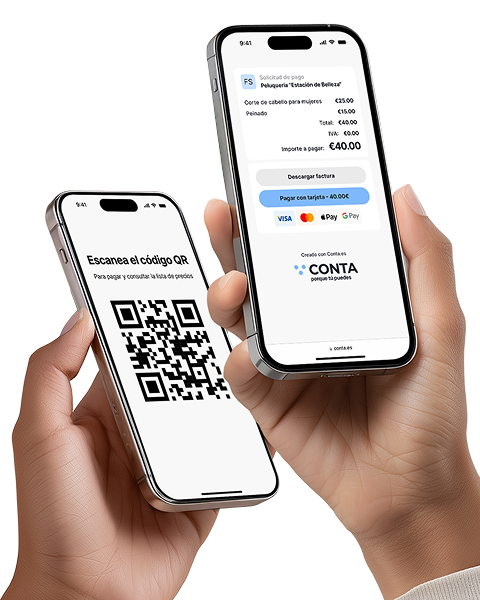
Instantly with a QR code or link: ideal for those offering services without a cash register. Create the offer, the customer scans it and makes the payment

Recognition of receipts and invoices

Automation that really pays off! Save up to 80% of the time compared to manual data entry

Issue invoices and receive payments faster!

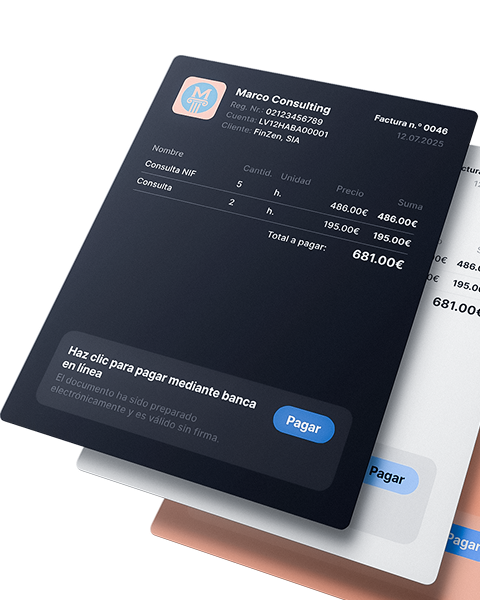
Automate the invoice issuance process, receive payments faster and spend your time on what really drives your business

Reports and tax calendar

All reports and statements are generated automatically, from quarterly to annual summary. Just enter your income and expenses: the system will calculate the taxes for you, and you will only have to download (coming soon)

Banking integration and payment management

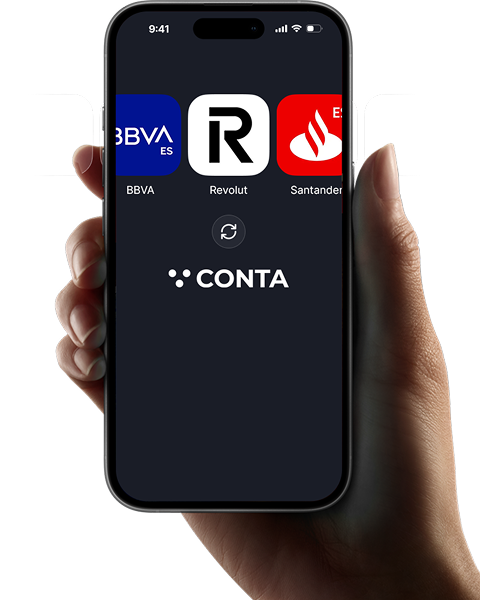
A faster, clearer way to record your business transactions.

Analytics and tips for expense control

Discover what expenses other freelancers in your sector deduct, receive recommendations and reminders about forgotten expenses (coming soon)

180 days free

Special limited-time offer
180 days free
Free Plan
Description
  • All Pro features included
  • No card needed for 180 days
  • When it ends, you choose the plan that fits your needs
Features
  • Invoices, unlimited
  • VeriFactu active
  • Automatic bank sync
  • Payments via QR or link, unlimited
  • Your own logo, no Conta branding
  • Receipt and invoice scanning, unlimited
  • Language selection
Pay annually – save 2 months
Basic Plan
Free
Invoices and payments
0€ / per year
  • Model 349 intra-EU transactions
  • Model 111 income tax withholding
  • Model 303 quarterly VAT
  • Model 130 direct-estimate income tax
  • Form 115 Rental Withholdings
  • Annual models: 180, 190, 347, 390
  • Invoices issued 10 per month
  • Income & expense tracking
  • QR / link payments Unlimited
  • Bank sync Excel
  • Your own logo
  • Multiple currencies
  • Accountant
  • VeriFactu option
  • Receipt/invoice scanning
Pro Plan
Basic
Save more · Recommended
€90 / per year
+ VAT
  • Model 349 intra-EU transactions
  • Model 111 income tax withholding
  • Model 303 quarterly VAT
  • Model 130 direct-estimate income tax
  • Form 115 Rental Withholdings
  • Annual models: 180, 190, 347, 390
  • Invoices issued 10 per month
  • Income & expense tracking
  • QR / link payments Unlimited
  • Bank sync Excel
  • Your own logo
  • Multiple currencies
  • Accountant
  • VeriFactu option
  • Receipt/invoice scanning 10 per month
Premium Plan
Pro
Earn more
€190 / per year
+ VAT
  • Model 349 intra-EU transactions
  • Model 111 income tax withholding
  • Model 303 quarterly VAT
  • Model 130 direct-estimate income tax
  • Form 115 Rental Withholdings
  • Annual models: 180, 190, 347, 390
  • Invoices issued Unlimited
  • Income & expense tracking
  • QR / link payments Unlimited
  • Bank sync Auto
  • Your own logo Without Conta branding
  • Multiple currencies
  • Accountant
  • VeriFactu option
  • Receipt/invoice scanning Unlimited
Basic Plan
Free
Invoices and payments
€0 / per month
  • Model 349 intra-EU transactions
  • Model 111 income tax withholding
  • Model 303 quarterly VAT
  • Model 130 direct-estimate income tax
  • Form 115 Rental Withholdings
  • Annual models: 180, 190, 347, 390
  • Invoices issued 10 per month
  • Income & expense tracking
  • QR / link payments Unlimited
  • Bank sync Excel
  • Your own logo
  • Multiple currencies
  • Accountant
  • VeriFactu option
  • Receipt/invoice scanning
Pro Plan
Basic
Save more · Recommended
9€ / per month
+ VAT
  • Model 349 intra-EU transactions
  • Model 111 income tax withholding
  • Model 303 quarterly VAT
  • Model 130 direct-estimate income tax
  • Form 115 Rental Withholdings
  • Annual models: 180, 190, 347, 390
  • Invoices issued 10 per month
  • Income & expense tracking
  • QR / link payments Unlimited
  • Bank sync Excel
  • Your own logo
  • Multiple currencies
  • Accountant
  • VeriFactu option
  • Receipt/invoice scanning 10 per month
Premium Plan
Pro
Earn more
19€ / per month
+ VAT
  • Model 349 intra-EU transactions
  • Model 111 income tax withholding
  • Model 303 quarterly VAT
  • Model 130 direct-estimate income tax
  • Form 115 Rental Withholdings
  • Annual models: 180, 190, 347, 390
  • Invoices issued Unlimited
  • Income & expense tracking
  • QR / link payments Unlimited
  • Bank sync Auto
  • Your own logo Without Conta branding
  • Multiple currencies
  • Accountant
  • VeriFactu option
  • Receipt/invoice scanning Unlimited

FAQ about checking invoices and expenses for autónomos

Open the income or expense transaction in Conta.es, review the recorded details and attach the relevant invoice, receipt or other supporting document. Then click “Check”. Mirea compares the available document and transaction information, taking your profile details into account, and shows you what needs reviewing.
It can highlight discrepancies in amounts, dates, currency, invoice numbers, supplier or customer details, VAT and other information. It can also help you identify incomplete details. The applicable checks depend on the transaction type, the document and the available information: not every transaction is checked in the same way.
Yes. You do not need to know every accounting term to get started. Open a transaction, attach the document and review the result. If you do not understand a warning or do not know which details to look for, ask Mirea inside Conta.es. It can help you understand what to review in your accounts as an autónomo in Spain.
First, check that you have attached the correct document and are comparing the same figure: the taxable base, VAT or invoice total. If you entered the amount incorrectly in Conta.es, correct the relevant field, save your changes and check the transaction again. If the discrepancy is in the invoice itself, ask the issuer to review it.
Yes. Submit an application and mention this when we contact you. We will try to help you find a suitable option for participating in the offer.
Compare the name or legal business name and NIF in the document with the details recorded in Conta.es. The trading name you recognise may differ from the legal name shown on the invoice, so check both before making changes. If the record is incorrect, update it. If the issue is in the document, contact the supplier.
It means there is not enough information to check that item, or the details cannot be clearly identified in the document. It does not automatically mean there is an error. Review which information is missing, check that the file is legible and make sure it relates to the transaction. Add or update the available details and run the check again.
No. The check applies to the specific transaction you open and click “Check” for. It uses the information available at that moment. To review another transaction, open it and run its check. The result for one transaction does not amount to a review of all your accounts.
Read the guidance, compare the highlighted detail with the document and update the record if necessary. Conta.es does not automatically change the details for you: you review them and save the changes. Then check the transaction again. Correcting a detail recorded in Conta.es does not change the original invoice or replace a corrective invoice (factura rectificativa) when one is required.
Yes. It can help reduce the discrepancies and incomplete details you need to review before preparing your tax returns. Checking transactions while the documents are still at hand is especially useful. The result alone does not guarantee that a tax return is correct or automatically confirm that an expense is tax-deductible.
It is best to do it after recording a transaction and attaching its document, while you still remember the details. You can also review outstanding transactions before the end of the quarter. If you change any details or add missing information, run the check again to get a result based on the updated information.