


VAT Calculator 2026
Enter an amount before tax or a final price to see all three figures: the amount before tax, the tax amount and the total. You can enter a custom rate or choose one of the listed IGIC rates.
Tax year 2026 · Calculation reviewed: 5 October 2026 · Indicative result
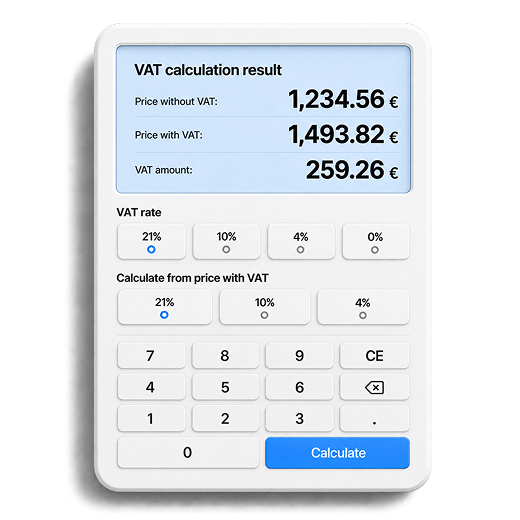
Calculate VAT on an amount
Add tax to an amount or work out the amount before tax from the total.
Total including VAT
Applied rate: 21 %
- Taxable amount
- —
- VAT (21 %)
- —
- Total including VAT
- —
Total = amount before tax × (1 + rate / 100)
How VAT is calculated
Understand how the amount you enter becomes the result you see.
Add VAT to an amount before tax
Total = amount before VAT × (1 + rate / 100)
Remove VAT from a total
Amount before VAT = total ÷ (1 + rate / 100)
- 1Choose whether your amount includes tax or is an amount before tax.
- 2Select the rate that applies to your transaction.
- 3The VAT amount is the difference between the total and the amount before tax.
A worked example
If you apply 21% VAT to an amount of €100 before tax:
- Amount before VAT
- €100
- VAT (21%)
- €21
- Total including VAT
- €121
To work out the amount before VAT from the total:
€121 ÷ 1.21 = €100To remove VAT at 21%, divide the total by 1.21. Do not subtract 21% directly from the final price.
Your invoices, with VAT calculated automatically
Conta calculates VAT automatically when you create an invoice. Start with the free plan: up to 10 invoices per month and VeriFactu invoicing, all in one place.