

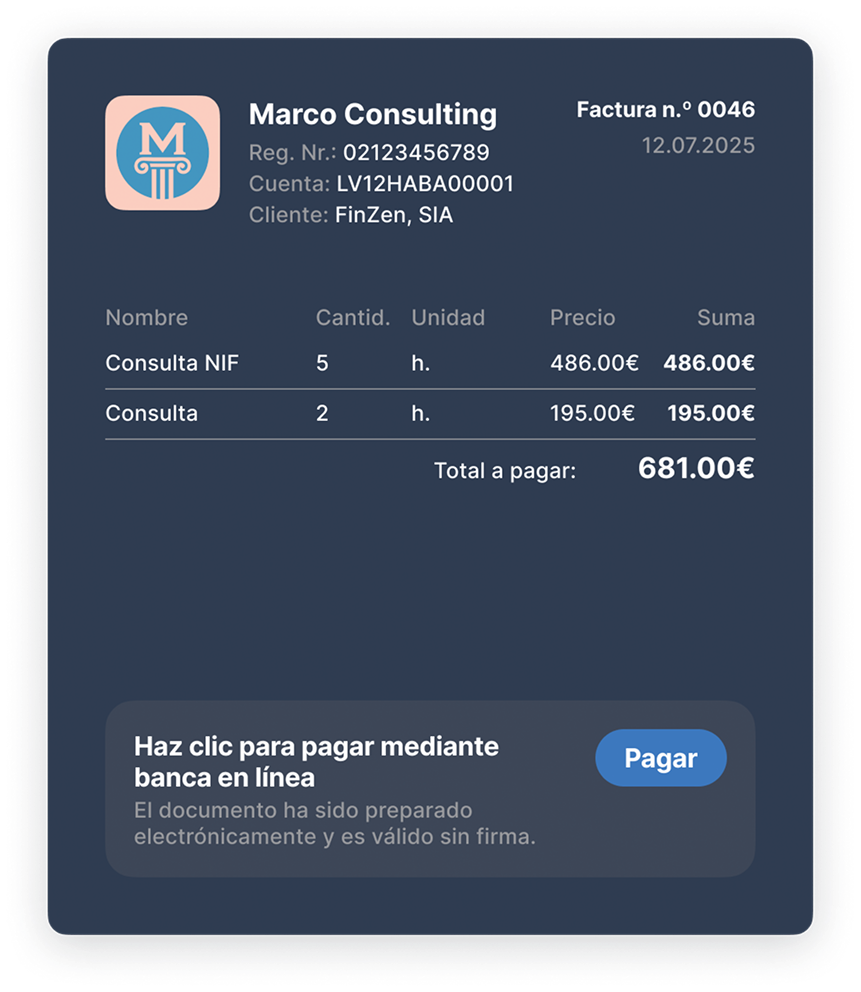

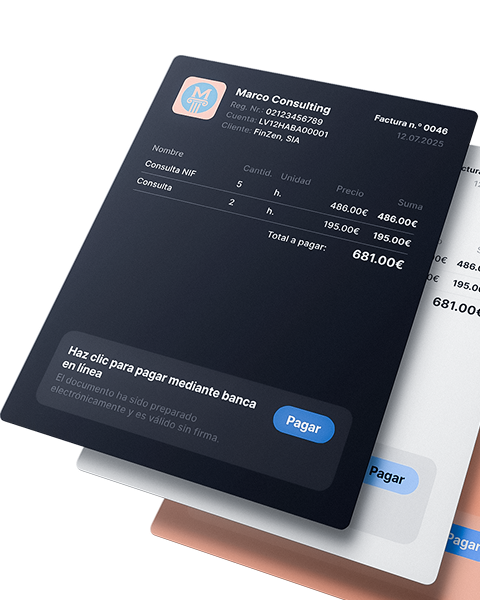
The payment button is already included in your invoice

Choose the design and add your logo


Invoice with your logo in one minute
Add the logo, choose the colors and everything will be ready for professional services
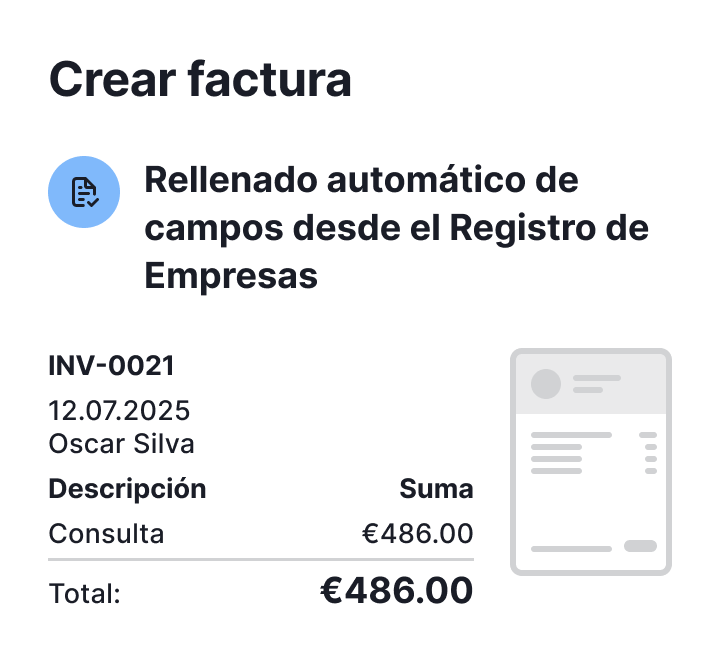
Catalog products and services
It is not necessary to enter them again. VAT, prices and descriptions, already filled in

One-click shipping
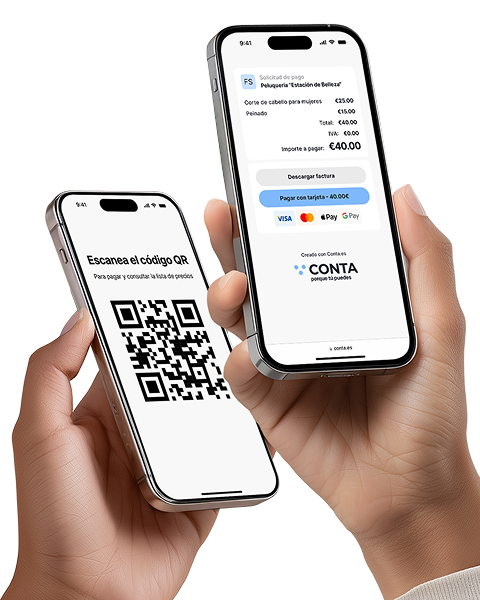
The customer receives the invoice by email, WhatsApp or via QR
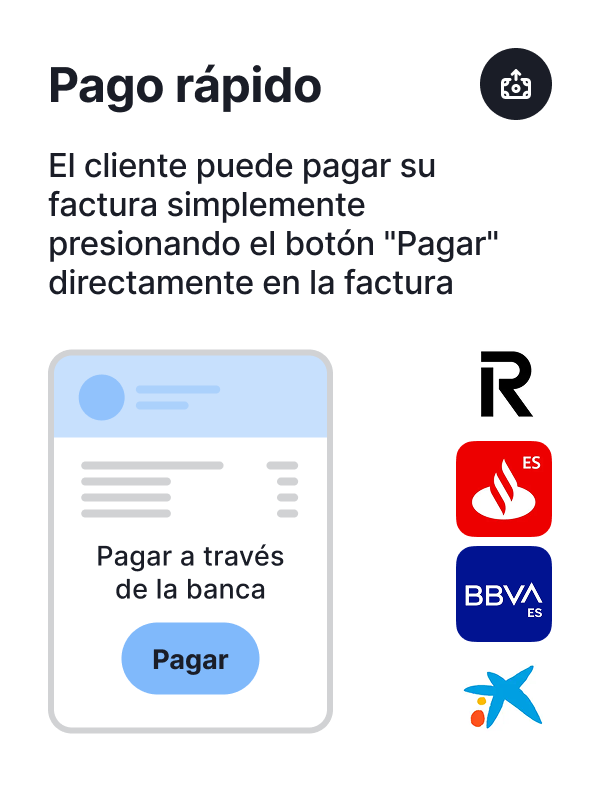
Various payment methods
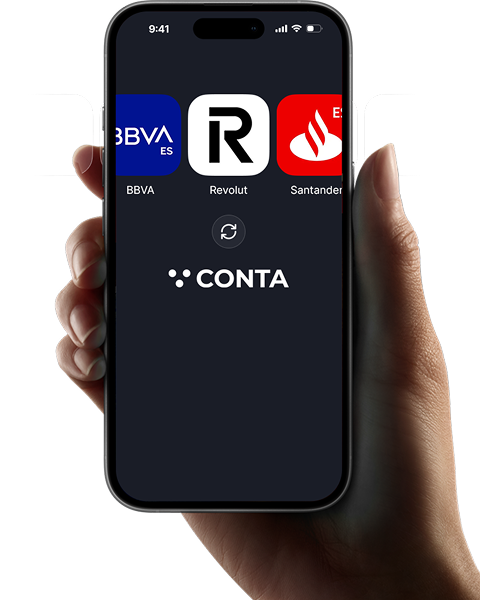
There is the possibility of receiving quick payment through online banking

Various payment methods
There is also the possibility of receiving quick payment by card
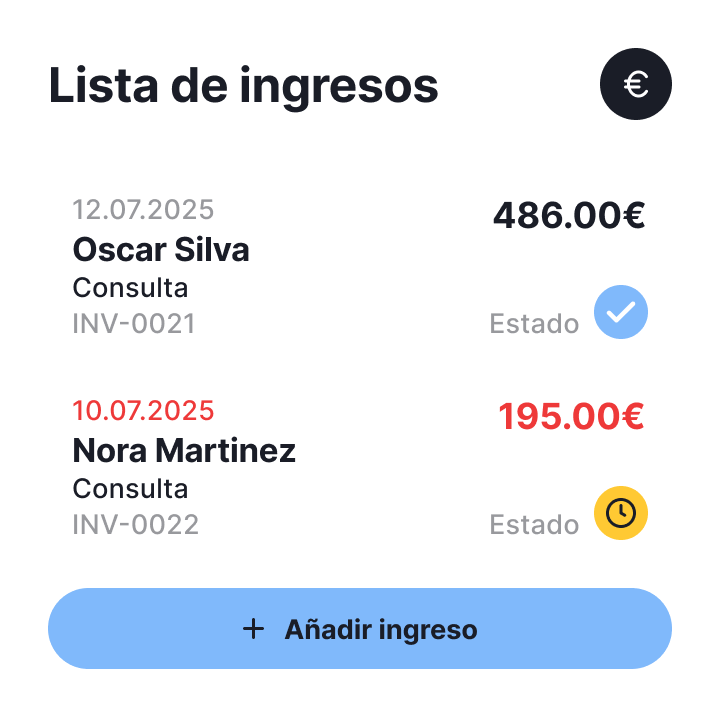
Bank account integration
The incoming payment is automatically linked to the transaction and posted to the journal
invoice design
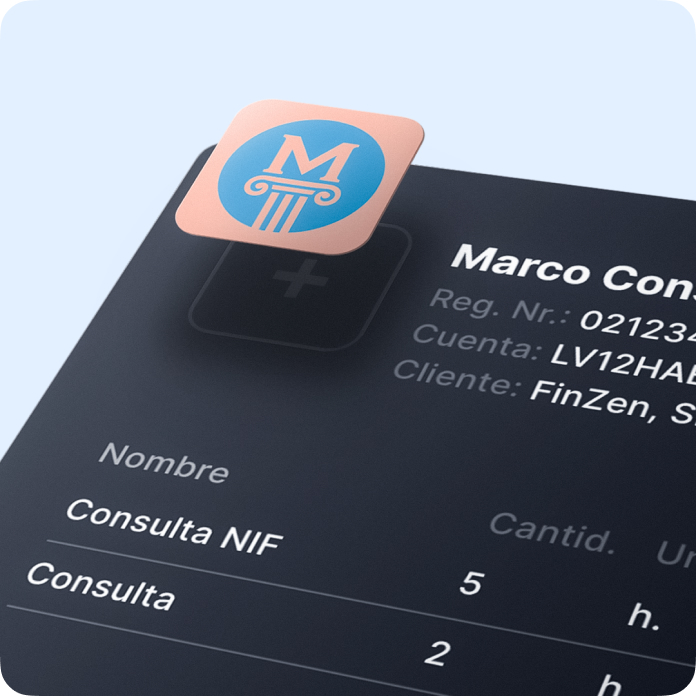
Upload your logo
Choose one of the preset design options for your invoices
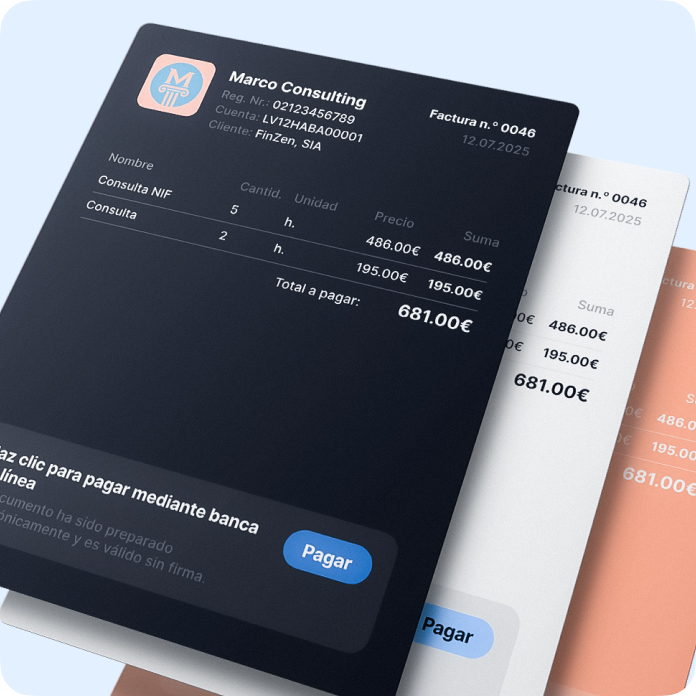
Design according to your style
Choose one of the preset design options for your invoices
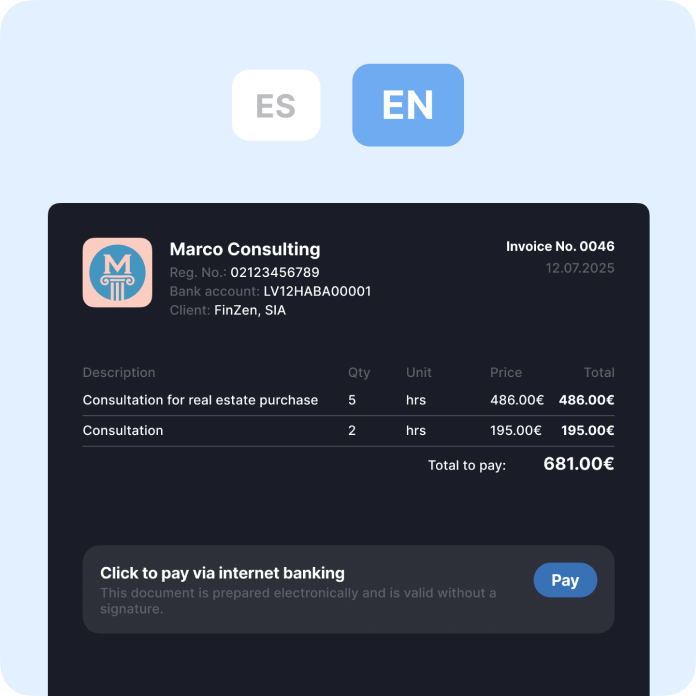
Invoice in different languages
Choose one of the preset design options for your invoices
The invoice is no longer just a PDF
It is a process that happens automatically, as much as possible.
Conta.es turns the issuance of invoices into part of a complete cycle: from catalog to bank, from status to report. Not just “issue and send”, but also link, classify and account

Modern invoice issuance
- Partners, services and VAT rates already saved
- Status updates automatically after payment
- Payment is linked to the corresponding invoice
- The transaction is posted immediately in the reports
- No duplicate or manual actions

No automation
- Each time you have to manually enter the data
- You have to search for old invoices in PDF files
- It is not clear if the customer has paid
- Must be accounted separately and by hand
- You have to think about the categories and the registration
- You have to prepare the reports yourself later

How everything is connected in one system

Catalog of services and products
Everything is already saved: choose what to add and the system will complete the rest

The invoice = accounting entry
No need to resend or recalculate: the system prepares everything for the report as well

Partners of the Commercial Registry
Enter the name and everything else appears in auto mode

Choose the income or expense category
The system already knows where it is recorded in the accounting
Main functions of the system

Receive payments without a terminal
Instantly with a QR code or link: ideal for those offering services without a cash register. Create the offer, the customer scans it and makes the payment

Recognition of receipts and invoices
Automation that really pays off! Save up to 80% of the time compared to manual data entry

Issue invoices and receive payments faster!
Automate the invoice issuance process, receive payments faster and spend your time on what really drives your business

Reports and tax calendar
All reports and statements are generated automatically, from quarterly to annual summary. Just enter your income and expenses: the system will calculate the taxes for you, and you will only have to download (coming soon)


Banking integration and payment management
A faster, clearer way to record your business transactions.
Analytics and tips for expense control
Discover what expenses other freelancers in your sector deduct, receive recommendations and reminders about forgotten expenses (coming soon)

What do customers say?

 Madrid
 Valencia
 Barcelona
 Toledo
Frequently asked questions