

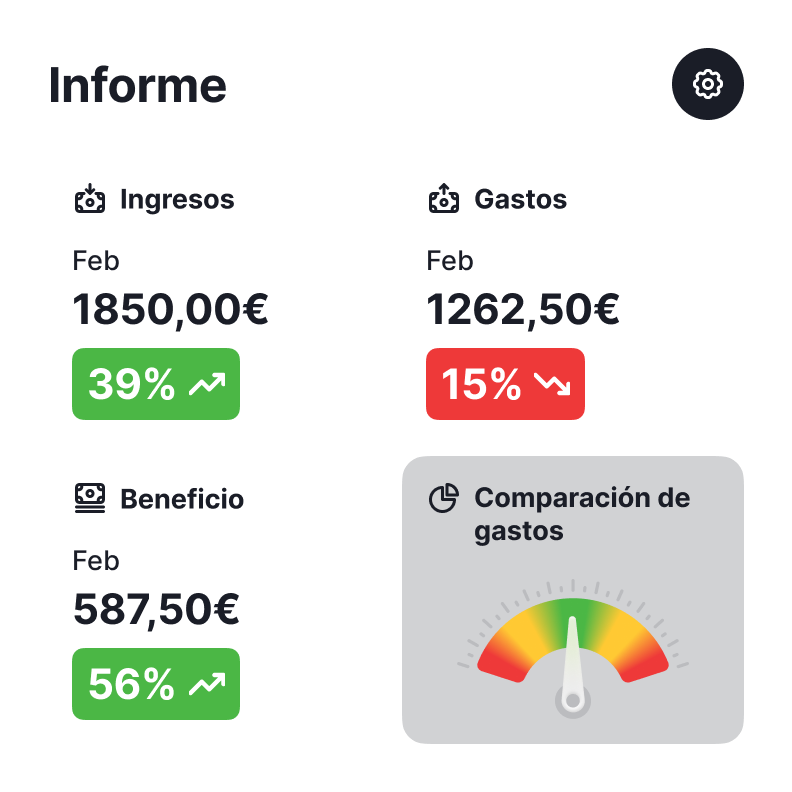
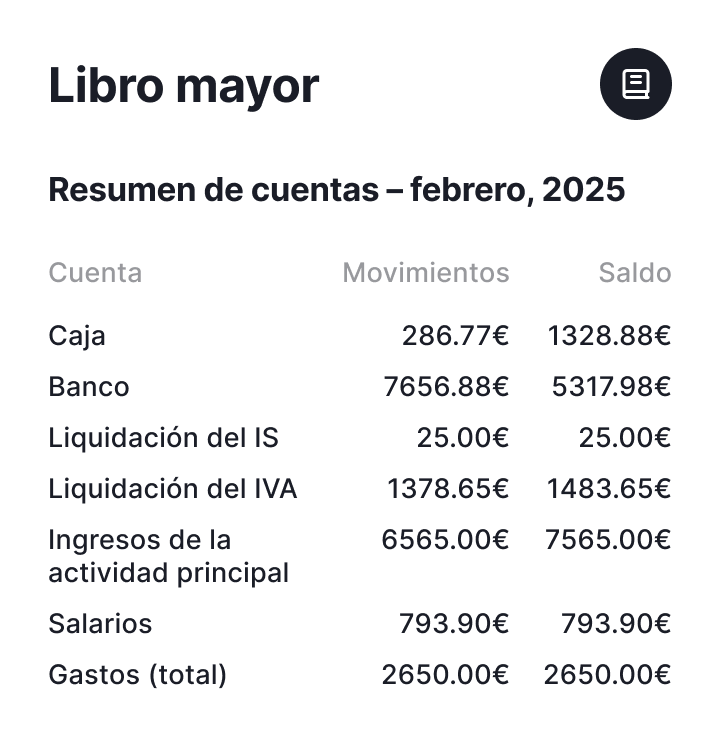


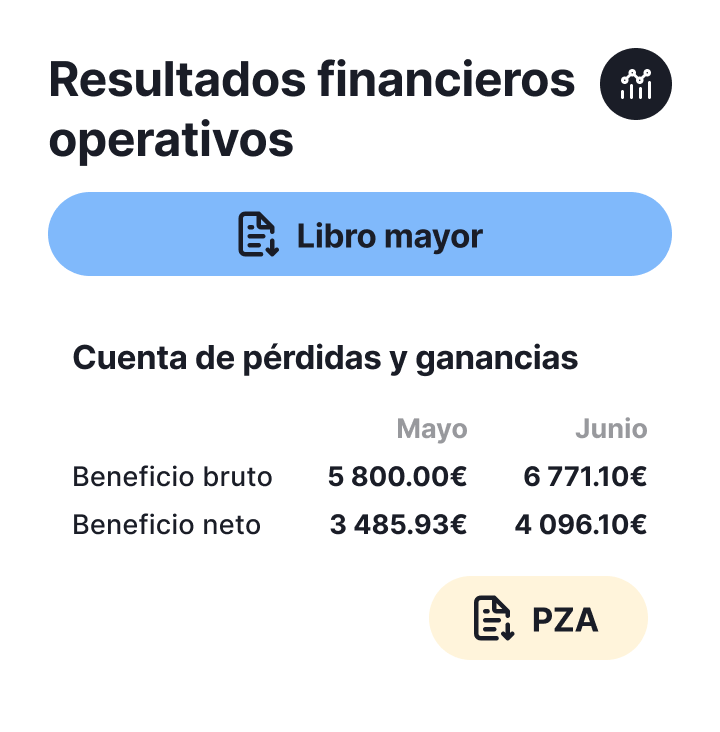

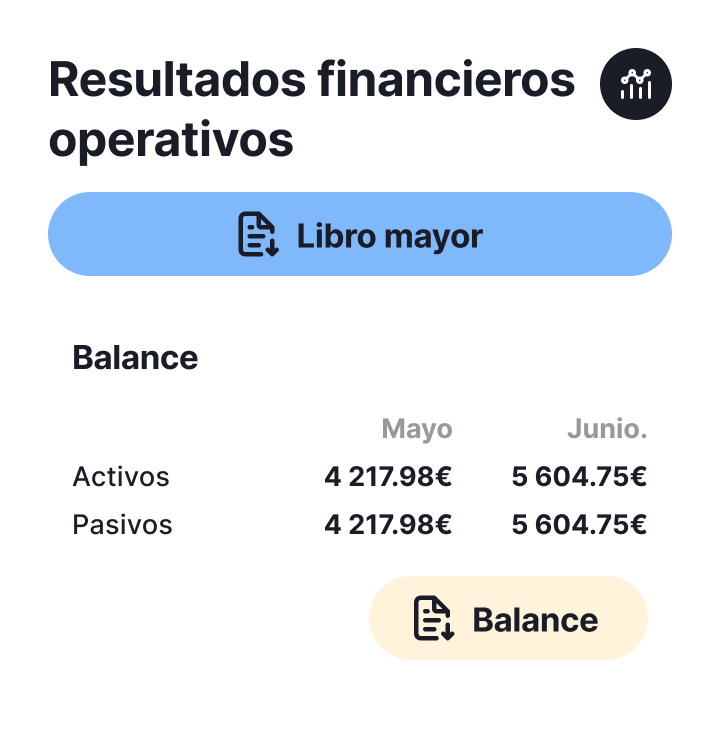
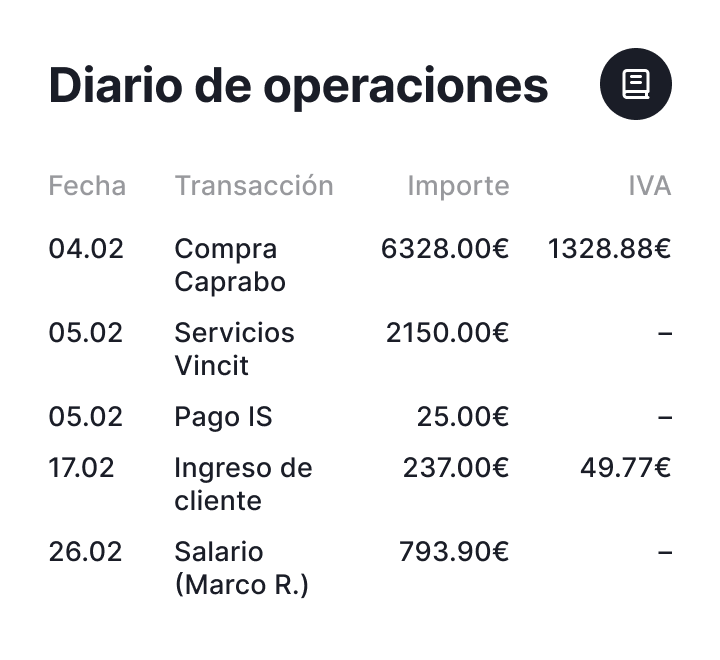


Step 1: enter the transaction
Enter the transactions for which you make or receive payments
Step 2: automatic calculations
The system automatically calculates taxes and returns based on the information entered
Step 3: Get reminders
For every report deadline that approaches, you'll receive a reminder
Step 4: Check “completed”
Mark “completed” when the report is submitted, and continue developing your business
Reporting and tax calendar

Reports and statements automatically generated by the system

Income tax return direct estimate (Modelo 130)
Report 1-04/20/07/10 and 1-30/01
Tax Presentation with direct debit → until the 15th (or 25th in January)
*Debit to account → on April 20, July and October, and January 30 for the 4th quarter

Rent withholdings (Modelo 115)
Report 1-04/20/07/10/01
Tax The Treasury will charge your bank on the 20th (or the following business day). If you direct the payment, the presentation must be made until April 15, July, October and January

Quarterly VAT self-assessment (Modelo 303)
Report 1-04/20/07/10 and 1-30/01
Tax If the result of 303 is positive, it is paid at the time of submitting the self-assessment
*If you go to return it, the Treasury has a maximum period of 6 months from January 30 to deposit it

Annual VAT Summary (Modelo 390)
Report January 1 to January 30 for the fiscal year of the previous year
Tax It is an informative declaration (you pay nothing) where you report the VAT for the four quarters of the year

Personal Income Tax Withholdings (Modelo 111)
Report 1-04/20/07/10/01
Tax If you direct the payment, you must present it until the 15th of each installment
*The charge to your account is made by the Treasury on the 20th (or following business day)

Declaration of internal operations (Modelo 349)
Report April 1 to 20, July and October, and from January 1 to 30 for the fourth quarter if it is quarterly
From the 1st to the 20th of the month following that to which the operations correspond if it is quarterly
Annual rental withholdings (Modelo 180)
Report between January 1 and January 31 of each year
Tax It is an informative statement (you pay nothing)
Notifications and tasks





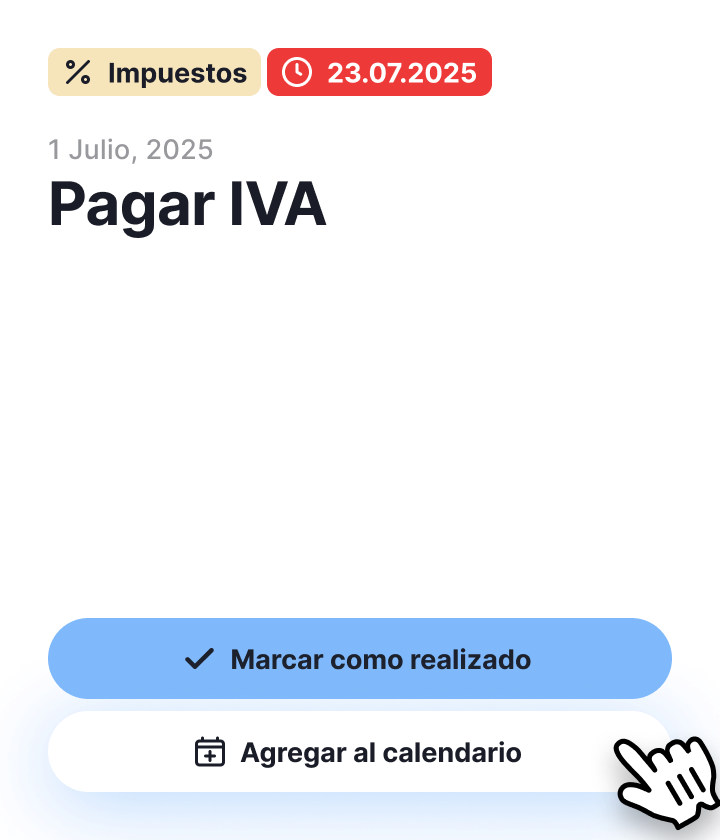

The platform makes reporting as simple as can be
Automatically Prepared File Formats
No Excel or formulas, no tables: everything is already prepared. Download and submit.
All in accordance with the requirements of the Tax Agency - Agencia Tributaria.
Everything clear and understandable. Accounting that you control, not the other way around.
 See plans and comparison
Main functions of the system

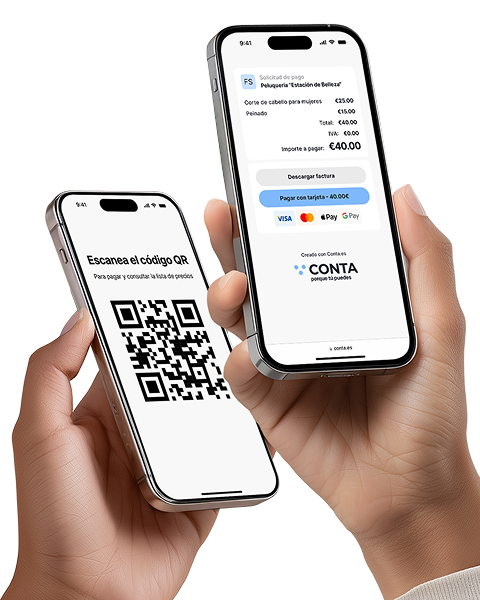
Receive payments without a terminal
Instantly with a QR code or link: ideal for those offering services without a cash register. Create the offer, the customer scans it and makes the payment

Recognition of receipts and invoices
Automation that really pays off! Save up to 80% of the time compared to manual data entry

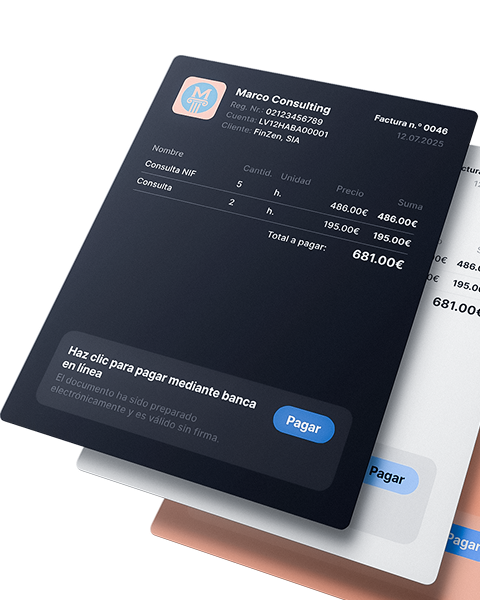
Issue invoices and receive payments faster!
Automate the invoice issuance process, receive payments faster and spend your time on what really drives your business

Reports and tax calendar
All reports and statements are generated automatically, from quarterly to annual summary. Just enter your income and expenses: the system will calculate the taxes for you, and you will only have to download (coming soon)


Banking integration and payment management
A faster, clearer way to record your business transactions.
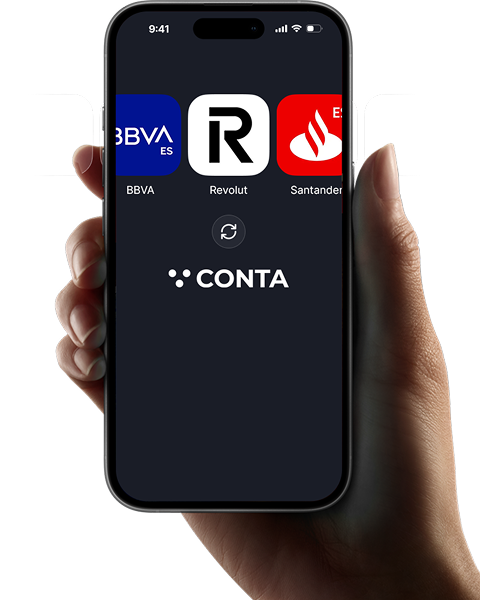

Analytics and tips for expense control
Discover what expenses other freelancers in your sector deduct, receive recommendations and reminders about forgotten expenses (coming soon)

What do customers say?

 Madrid
 Valencia
 Barcelona
 Toledo
Frequently asked questions
The annual returns will be available from the beginning of 2027, corresponding to the 2026 tax year.
At the moment, our system only covers Form 303 in its quarterly modality, which is the most common among self-employed workers.
When using conta.es, no accounting knowledge is required, since the system prepares the reports automatically. The user only has to enter the transactions: the income for which he receives money and the expenses he pays.
When the submission deadline arrives, the system will send a reminder and the user will only have to download the reports and submit them through the Tax Agency's Electronic Headquarters.However, when using conta.es, you don't have to worry about it: the system automatically prepares reports in the required format. The user only has to download them and present them through the Electronic Headquarters of the Tax Agency.