


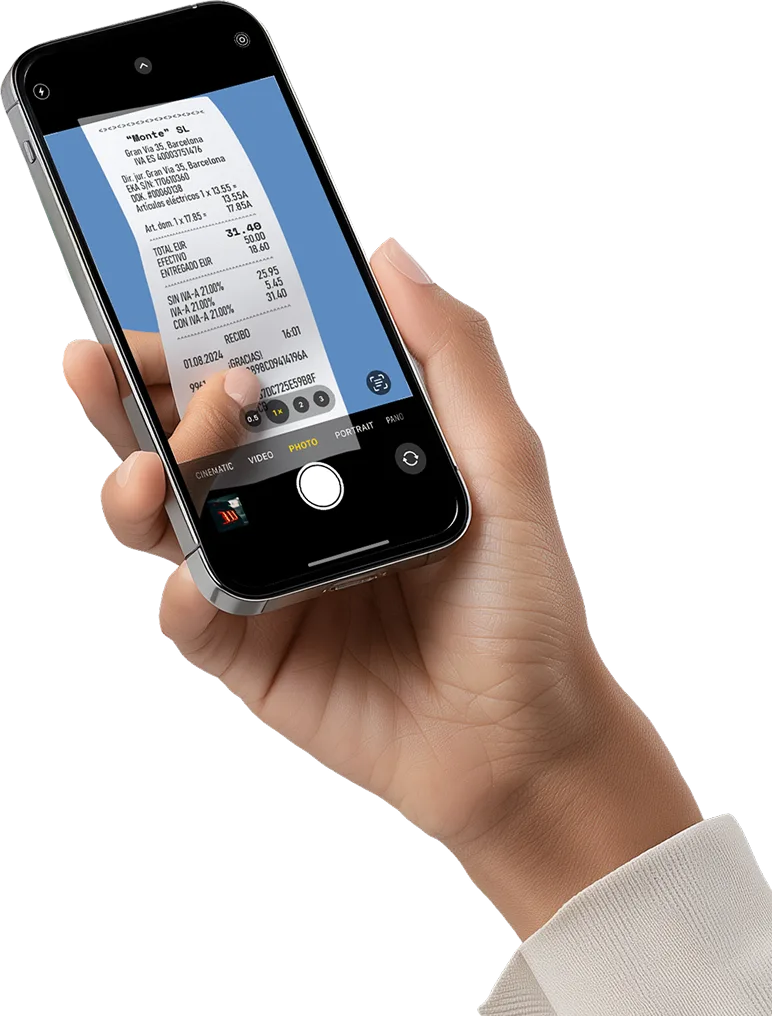
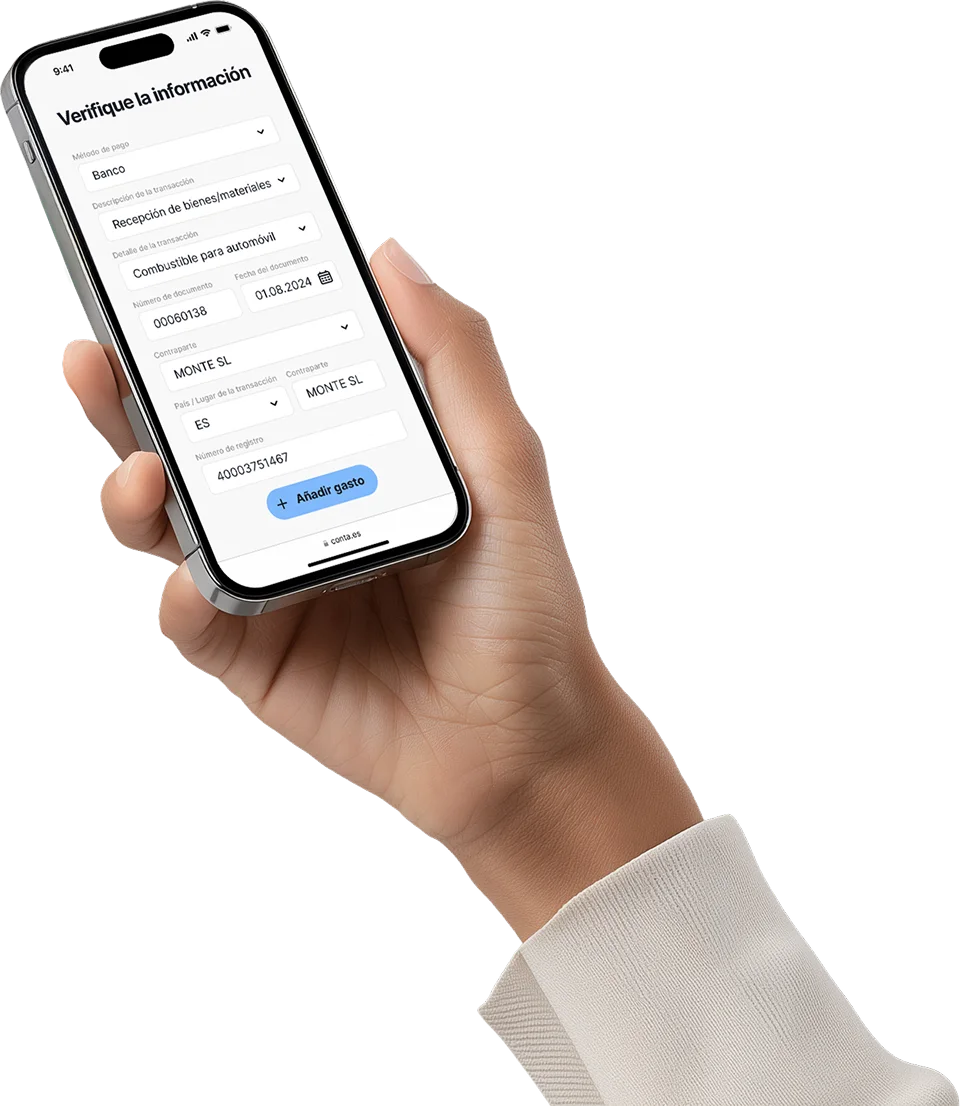

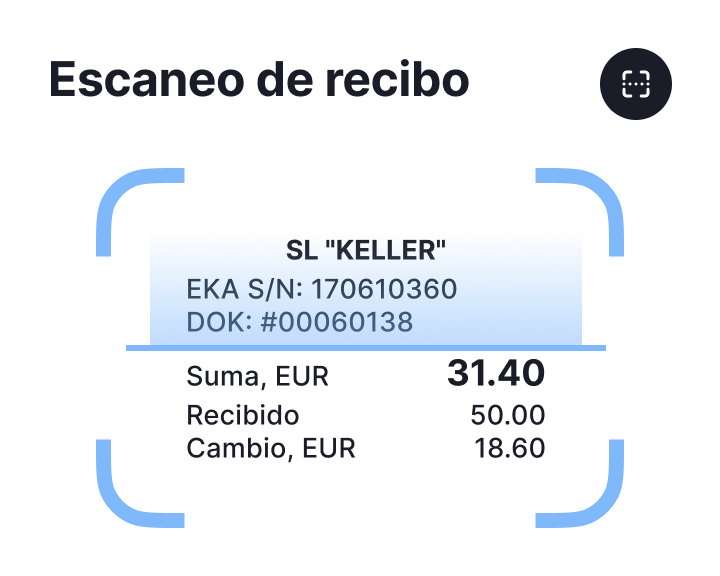
Also recognizes receipts
The system reads everything necessary: date, amount, partner, VAT

Category is determined automatically
Confirm, and everything is accounted for
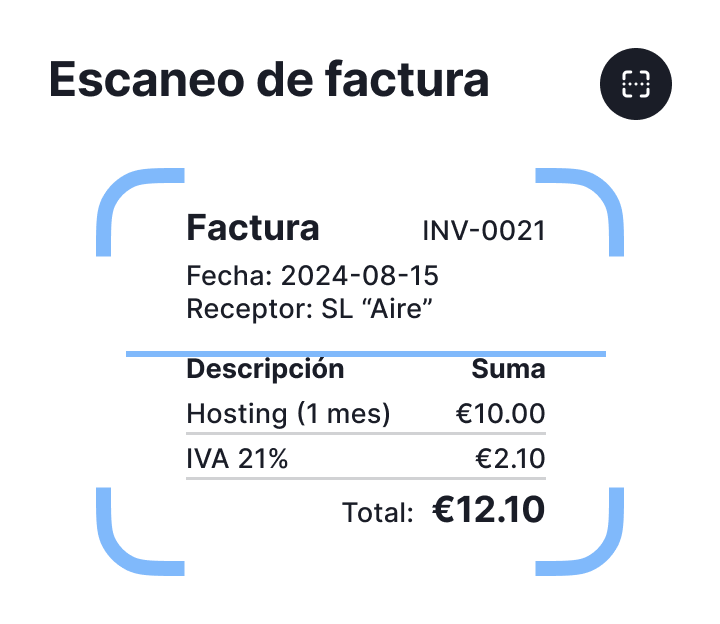
Upload or take a photo
The system reads the supplier, the date, the concepts and the VAT. There is no need to enter them manually: everything is prepared immediately.

Pay the bill immediately
After recognizing the invoice, the system offers the possibility to make the payment immediately
Accepted formats
 PDF
JPG
PNG
PDF
JPG
PNG
Not just convenience, but a tool for profit

The more expenses, the less taxes
The more expenses you declare, the less tax you have to pay. Accounting is not about tables, numbers, or folders full of receipts. It’s about control. It’s about being able to grow your business instead of processing receipts at the last minute

Your invoices and receipts no longer get lost
There’s no need to send photos via WhatsApp anymore or keep documents in your pocket - they fall out and get lost

Everything registered and on time
Forget about late nights before reporting deadlines – everything will already be in the system. Photograph, confirm, record the expense. And keep working

What about invoices? Automatic processing without complications

The system learns from you
Upload it once: the system learns the category. Next time you will just have to check and confirm.

Detects changes and gives advice
The system detects if amount increases, decreases or seems suspicious. It recommends what, how and how much you can deduct.

Less clicks, more clarity
Telephone, internet, software, hosting, advertising on Google. These invoices are repeated, but you no longer have to register them again each month.
Invoice paid immediately
Simply scan it and you can make the payment directly in the system. No unnecessary steps, no copies, no data entry.
What do clients register most frequently?

Fuel, office supplies, licenses

Representation expenses: meetings with clients, gifts

Partially deductible expenses (e.g. 50% internet, electricity)

Business travel expenses
Main functions of the system
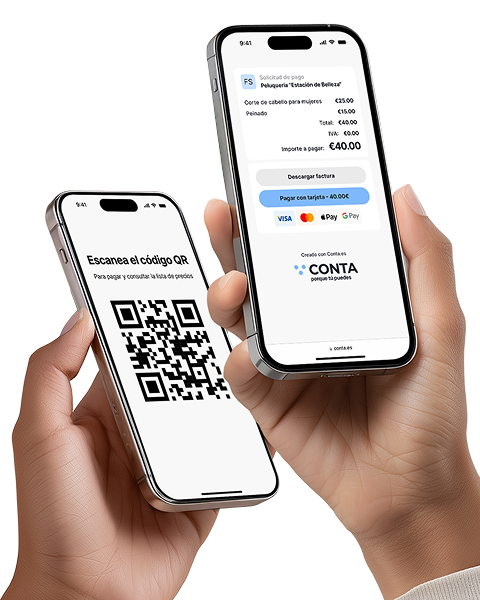
Receive payments without a terminal
Instantly with a QR code or link: ideal for those offering services without a cash register. Create the offer, the customer scans it and makes the payment

Recognition of receipts and invoices
Automation that really pays off! Save up to 80% of the time compared to manual data entry

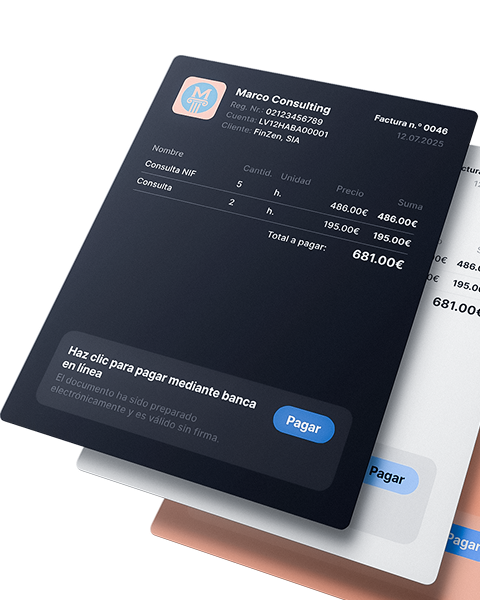
Issue invoices and receive payments faster!
Automate the invoice issuance process, receive payments faster and spend your time on what really drives your business

Reports and tax calendar
All reports and statements are generated automatically, from quarterly to annual summary. Just enter your income and expenses: the system will calculate the taxes for you, and you will only have to download (coming soon)


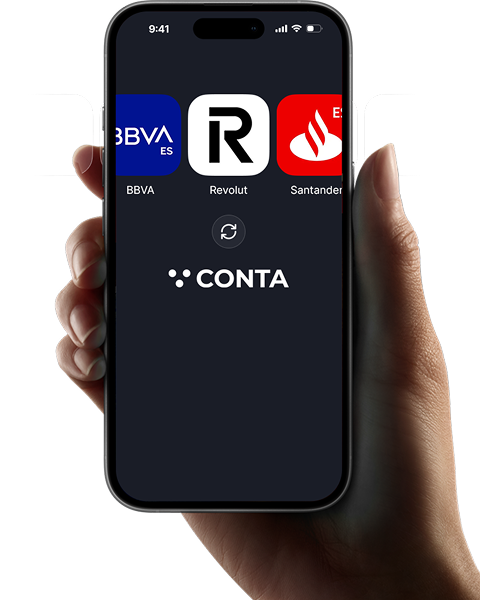
Banking integration and payment management
A faster, clearer way to record your business transactions.

Analytics and tips for expense control
Discover what expenses other freelancers in your sector deduct, receive recommendations and reminders about forgotten expenses (coming soon)

What do customers say?

 Madrid
 Valencia
 Barcelona
 Toledo
Frequently asked questions
The same can be done with a receipt, but be careful: there are tax limitations on expense deductions for self-employed individuals when it comes to receipts.
As long as the subscription remains active, the profile data will be stored together with all attached receipts or invoices.